
Case study · Full-Stack Developer · Security
VaultX
encrypted password manager
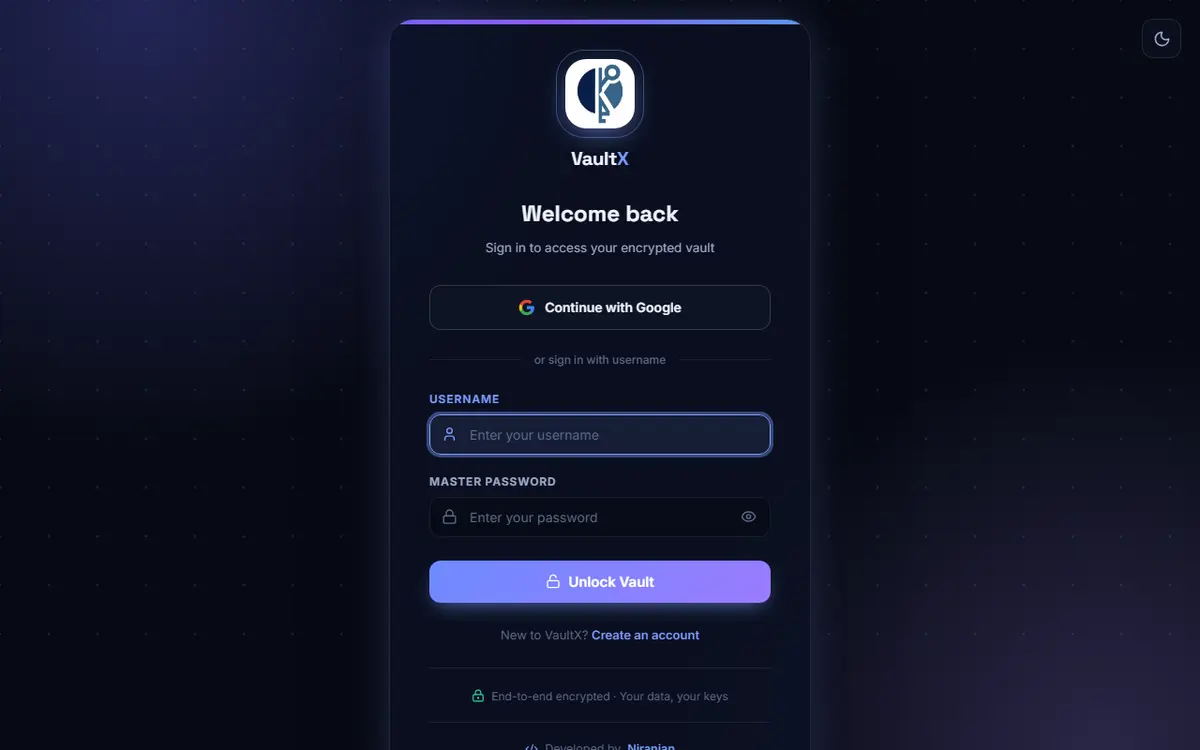
A password manager that never stores anything readable. Entries are encrypted before they reach the database, with the production key kept out of the code. Built with Django, running on Vercel.
The problem
Passwords tend to end up in notes apps, spreadsheets and browser autofill, readable by anyone who gets hold of the file or the database behind it. VaultX keeps them in one place and encrypts each one before it is written, so a copy of the database on its own reveals nothing usable. It also holds private notes and small sheets, and records which accounts are reached through Google sign-in rather than a password.
What the research found
- 15 automated tests cover owner-only access (opening another user's note or sheet returns 404), entries that sign in through Google, and the parameters sent on the Google OAuth redirect.
- Turso (libSQL) was tried as the database and removed. The only Python driver with enough of the database API for Django connects over WebSocket, and Turso rejected that connection with a 400 error; the newer HTTP drivers lack the functions Django needs. The finding is written up in the deploy notes.
Decisions that shaped it
- 1
Encrypt inside the model, not in the views. The password column is only reached through a property on PasswordEntry that encrypts with Fernet on save and decrypts on read, so no view ever writes plaintext. The Fernet key is derived by SHA-256 hashing the VAULT_ENCRYPTION_KEY environment variable.
- 2
Refuse to start without the secrets. On Vercel the settings file stops the app with an error if DATABASE_URL, DJANGO_SECRET_KEY or VAULT_ENCRYPTION_KEY is missing, and it never reads a local .env file there, so a stray development file cannot switch production into debug mode with test keys.
- 3
Every record is looked up through its owner. Each view fetches entries with get_object_or_404(..., pk=pk, user=request.user), so guessing another ID gives a 404 rather than someone else's data. The dashboard query lists only the fields it shows and leaves the password column out; a password is decrypted only when one is revealed through its own endpoint.
- 4
Accounts reached through Google have no password to store. Each entry records how you sign in; for Google entries the stored password is left blank, switching an entry to Google clears the old ciphertext, and the reveal endpoint returns nothing for them.
- 5
Built for a host with a read-only disk. Uploaded logos are validated (under 512 KB, image types only) and stored in the database row as base64 rather than as files, and sessions on Vercel live in signed cookies instead of the database.
Built with
- Python
- Django
- PostgreSQL
- psycopg 3
- Fernet (cryptography)
- WhiteNoise
- Vercel