
Case study · Full-Stack Developer
College ERP
multi-role campus management
A college system with three separate views for heads of department, staff and students, covering attendance, results, leave requests and a small library. Each role sees only its own. Django and PostgreSQL.
The problem
A college department usually tracks attendance, marks, leave and library loans across paper registers, spreadsheets and messages, with no single view and no control over who can see what. This system puts them in one place with separate logins for the head of department, teaching staff and students, so each person sees and changes only what their role allows.
Decisions that shaped it
- 1
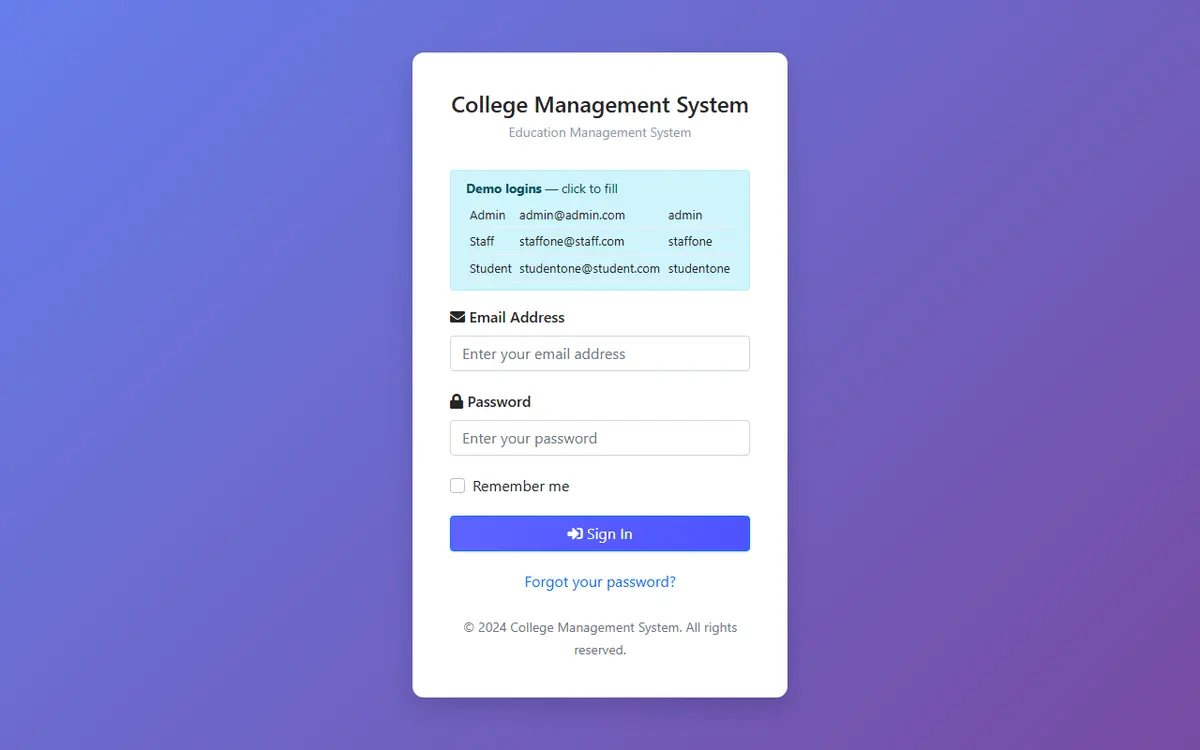
One account table, three roles. A custom user model logs in by email instead of a username and carries a user_type of HOD, Staff or Student. When an account is created, a signal adds the matching Admin, Staff or Student profile row automatically.
- 2
Role checks happen in one place. A middleware looks at which module the requested view belongs to and sends anyone outside their area back to their own home page: students cannot reach HOD or staff views, staff cannot reach HOD or student views, and signed-out visitors go to the login page.
- 3
Each page reads from the signed-in person's own profile. Student views load the Student record for request.user and filter attendance, results, leave and notifications by it; staff pages list only the subjects assigned to that staff member.
- 4
Leave and notices follow a simple workflow. A leave request is saved as pending, and the head of department marks it approved or rejected. Notices from the HOD are saved to the recipient's notification list and also sent as a push notification to the browser token stored on their account.
- 5
The database sets itself up on first start. On a cold start the app checks whether the tables exist and, only if the database is empty, runs migrations and loads demo data, holding a Postgres advisory lock so two instances starting together cannot both do it. Without a database attached it falls back to a temporary SQLite file so the demo still opens.
Built with
- Python
- Django 6.1
- PostgreSQL
- psycopg 3
- Firebase Cloud Messaging
- WhiteNoise
- Gunicorn
- Pillow
- Vercel